Table of contents
Open Table of contents
Extremes
Extremes are the bread and butter of the scene you’re currently animating. As the name says, extremes should be the frames that pack the most punch. They are the frames that convey the most important information about the scene. Richard Williams describes extremes in his book The Animators Survival Kit like this: the extremes are where there is a change in direction - the ends of the action where the direction changes. They are also called keyframes or keyposes. In our Pendulum example from the previous blog post the extremes would be the frames where the pendulum is at the far left and far right.
Here’s a visual representation of the extremes:
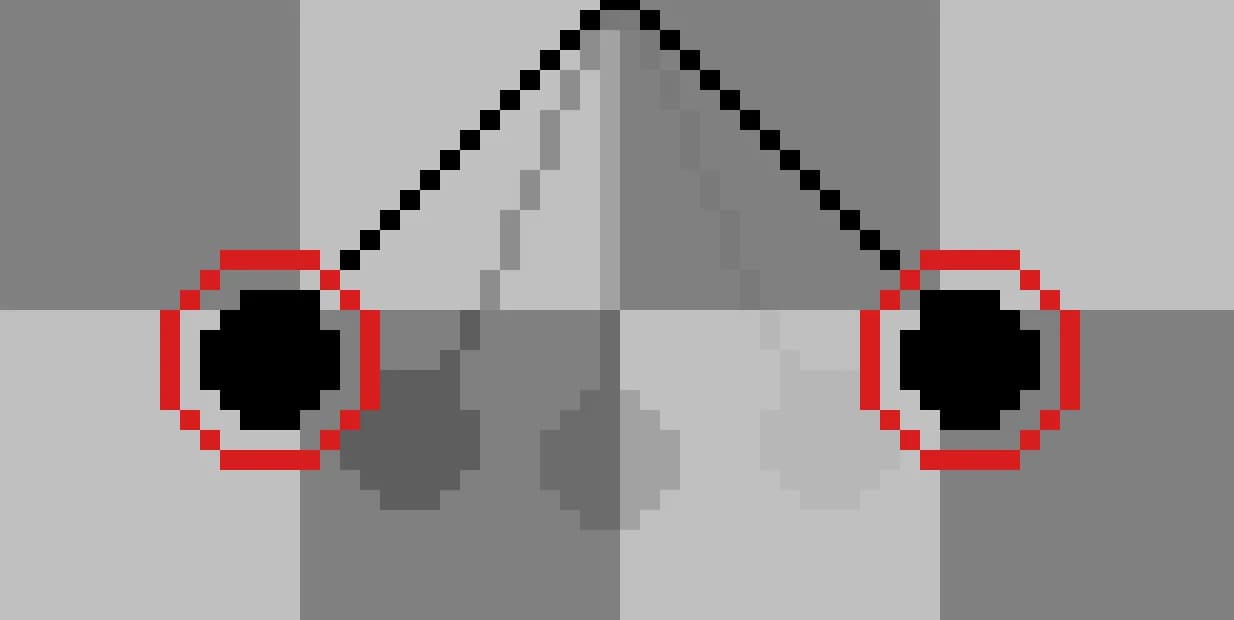
Extreme Breakdown Extreme
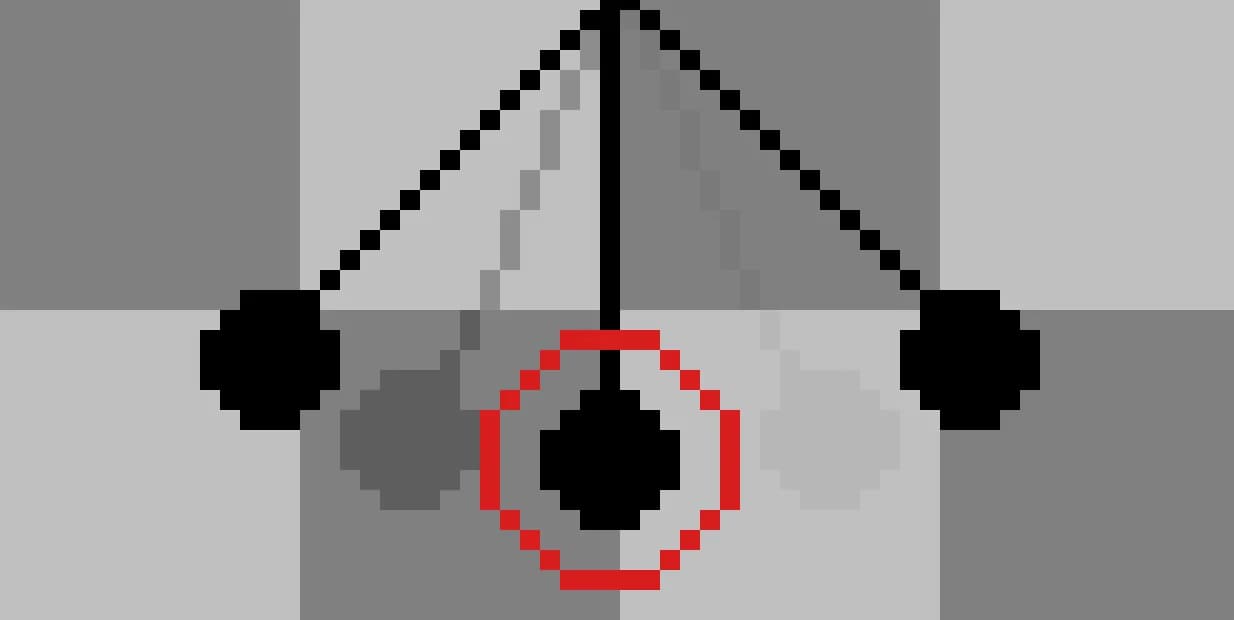
As you can guess from the title of this section a breakdown is usually placed right in the middle of two extremes. It’s the frame that conveys the transition from one extreme to the other. In our Pendulum example the breakdown would be the frame where the pendulum is in the middle of the swing. The inbetween is also extremely important. It’s the frame that makes the transition from one extreme to the other look smooth and natural. If the inbetween frame in the pendulum would be drawn too far to the top or bottom it would look like the pendulum is swinging or glitching in a weird way.
Here’s a visual representation of the breakdown:
And here is a wrong breakdown:
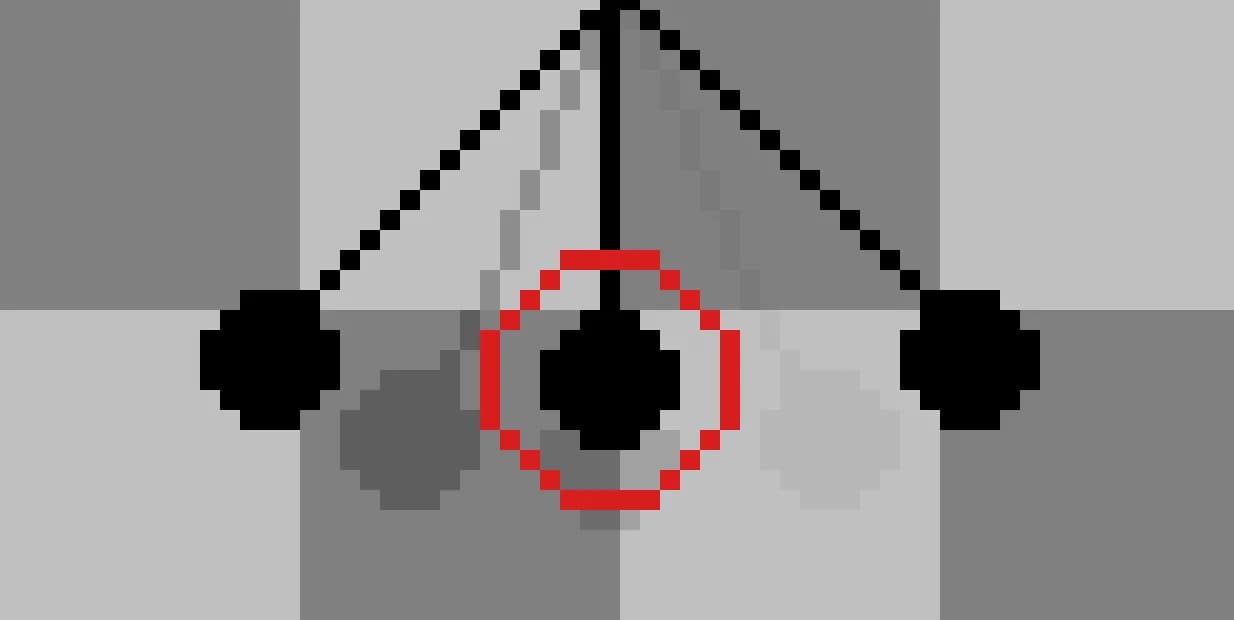
Extreme Inbetween Breakdown Inbetween Extreme
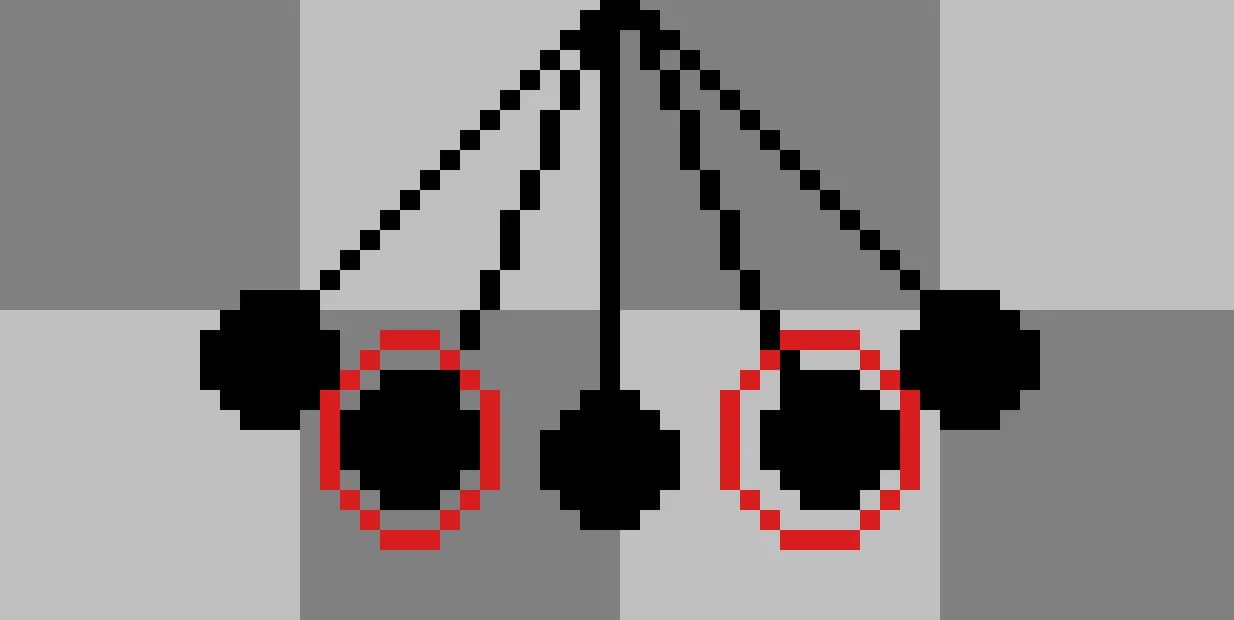
Everything between the extremes and the breakdowns is an inbetween. Breakdowns and inbetweens can be utilized to apply the spacing principles from the previous blog post and therefore change the feel and the movement of the animation. As with the breakdowns, it is very important to have consistency in drawing the inbetweens. However, if you nail your keyposes and have only one or two slightly wonky drawn inbetweens you can get away with a pretty decent result.
The inbetweens in our pendulum example are drawn like this:
General Rules
Try being consistent with your inbetweens. You can get away with a few inbetweens that aren’t perfect, but if you’re making an animation (especially handdrawn) it is very important to keep the volume and the style of the object the same to avoid wobbly or wonky frames.
Up next
Up next we will look at how you can approach the animation process. Do you start and just wing it? Or is it better to make all key drawings first? You’ll find out next time!